
Nobody likes being followed around the house. Show them progress instead.
Mark a room done and your client sees it from their phone. You keep the house to yourself.
No credit card required
Timeline
Kitchen & dining area
Counters disinfected, appliances polished, floor scrubbed
Living room & entryway
All surfaces dusted, vacuumed, and glass cleaned
Master suite
Linens changed, dusting, and deep vacuuming
Found a ring behind the nightstand! Placed it on the dresser for safekeeping.
Guest bathrooms
Full sanitization, mirror polishing, restocking
Final walkthrough
Quality check and aromatherapy finishing touch
Activity
You created the timeline.
7 months ago
John Doe viewed the timeline.
5 days ago
John Doe viewed the timeline.
5 days ago
Clients don’t mean to hover. It’s their house.
They pop in to check, you stop to explain, and twenty minutes are gone.
One Tuesday, two very different days.
With a client in the doorway
They trail you from room to room with questions. By noon you’ve lost your rhythm, and the bathrooms still aren’t done.
Working without an audience
Kitchen & dining area
9:45 AM
Living room & entryway
10:30 AM
Master suite
11:45 AM
Guest bathrooms
You tap each room as you finish it. She checks from her desk, sees you’re in the master suite, and stops coming downstairs.
From weekly cleans to office nights.
Recurring cleans
Weekly clients learn your rhythm: you arrive, rooms tick off, they get the done notice. Same template every visit.
Move-in / move-out cleans
Property managers want proof, not a text saying it’s finished. Photos of the appliances and baseboards speak for themselves.
First-time deep cleans
New clients hover because they don’t know you yet. A live timeline earns you the run of the house.
Commercial cleaning
A night crew working for a manager who isn’t on site: restrooms, floors, and trash logged with a time stamp.
Set it up once. Use it on every job.
Most cleaners have it running before the first room is done.
Build the checklist
Kitchen, bathrooms, bedrooms, final walk. Save it once and reuse it on every job.
Send the link
Text it on the way over. They open it in a browser, no app needed.
Mark rooms as you go
One tap per room, plus a note or photo if you find something.
My phone used to ring constantly during jobs. Now clients just check the link. We finish faster because we're not stopping to answer calls.

Run the whole clean from your phone.
Checklists, before-and-after photos, and a record they can forward.
Updated just now
Live updates
Finish a room, they see it.
One tap with the gloves still on. Add a before-and-after photo if you like.
Master suite completed
Deep Clean for Sarah · Sparkle Clean Co.
Alerts
They know when you arrive and when you leave.
That ends the "are you almost done?" texts before they start.
Send timeline
Share this timeline by entering their name and copying the link.
Name
Share link
One link
Homeowners, property managers, one link.
Whoever needs to check opens it in a browser.
Sparkle Clean Co.
sparkleclean.co
Deep Clean for Sarah
Your brand
Your logo on the record.
Pro puts your business on the timeline they might forward to a neighbor.
Timeline templates
+ New templateWeekly standard clean
Kitchen, baths, dusting, floors
8 steps · 2 shares
Deep clean
Full top-to-bottom reset
12 steps
Templates
Save the checklist once.
Duplicate it on the way to the next house.
Questions cleaners ask us.
- Will this stop clients from hovering over me?
That’s what it’s for. Once clients can watch progress on their phone, they stop needing to follow you around. Most see the check-ins drop off after the first visit.
- How is this different from just texting my clients?
Texting turns every update into a back-and-forth. You tap once when a room is done and they see it on their phone. Nothing to type.
- I already use ZenMaid or Jobber. Do I need this too?
Those handle scheduling and invoicing. Hotlyne shows clients the clean as it happens, through a link they open in any browser. Most cleaners run it alongside their existing software.
See the full Hotlyne vs. ZenMaid comparison- Can I reuse the same checklist on every job?
Yes. Build your room checklist once, save it as a template, and duplicate it for every job in one tap. Setup takes seconds.
- What if I find something unusual, like damage or a lost item?
Add a note and photo directly to that room's step. Your client sees it instantly with full context. No awkward phone call needed.
- Do my clients need to download an app?
Nope. You send a link, they open it in any browser. No sign-ups, no passwords, no app store.
- How does this help me get better reviews?
Clients who watch the work happen leave specific reviews. "Looks good" turns into "best cleaner I've ever hired."
- I work alone. Is this still useful?
Solo cleaners benefit the most. You can’t stop to text or answer questions while a client hovers. One tap per room keeps them informed and your hands on the work.
- Can I use this for move-in/move-out cleans?
Yes, and it's one of the most popular use cases. Share a detailed timeline with the property manager and they get real-time proof of work without being on-site.
- How much should I charge for a cleaning?
That depends on the size of the home and the type of clean. Our free cleaning price calculator works it out for you: deep clean, maintenance clean, or move-out. It shows the hours behind the price so you can explain the number to clients. No signup.
Open the cleaning price calculator- Is there a free plan?
Yes. Up to 5 active timelines, completely free, no credit card required. Most solo cleaners start here and upgrade to Pro when they want branding and photo attachments.
Start for free. Upgrade as you grow.
Everything you need for your first 5 jobs, on us. No credit card required.
Free
Perfect for getting started and building trust with your first clients.
- Up to 5 active timelines
- Unlimited timeline sharing
- Browser notifications
- 2 timeline templates
- Company branding
- Image attachments
- Template sharing with partners
Pro
For pros who want to scale their business and custom branding.
- Up to 1,000 timelines
- Unlimited timeline sharing
- Browser notifications
- Unlimited timeline templates
- Custom company branding
- Image attachments
- Template sharing with partners
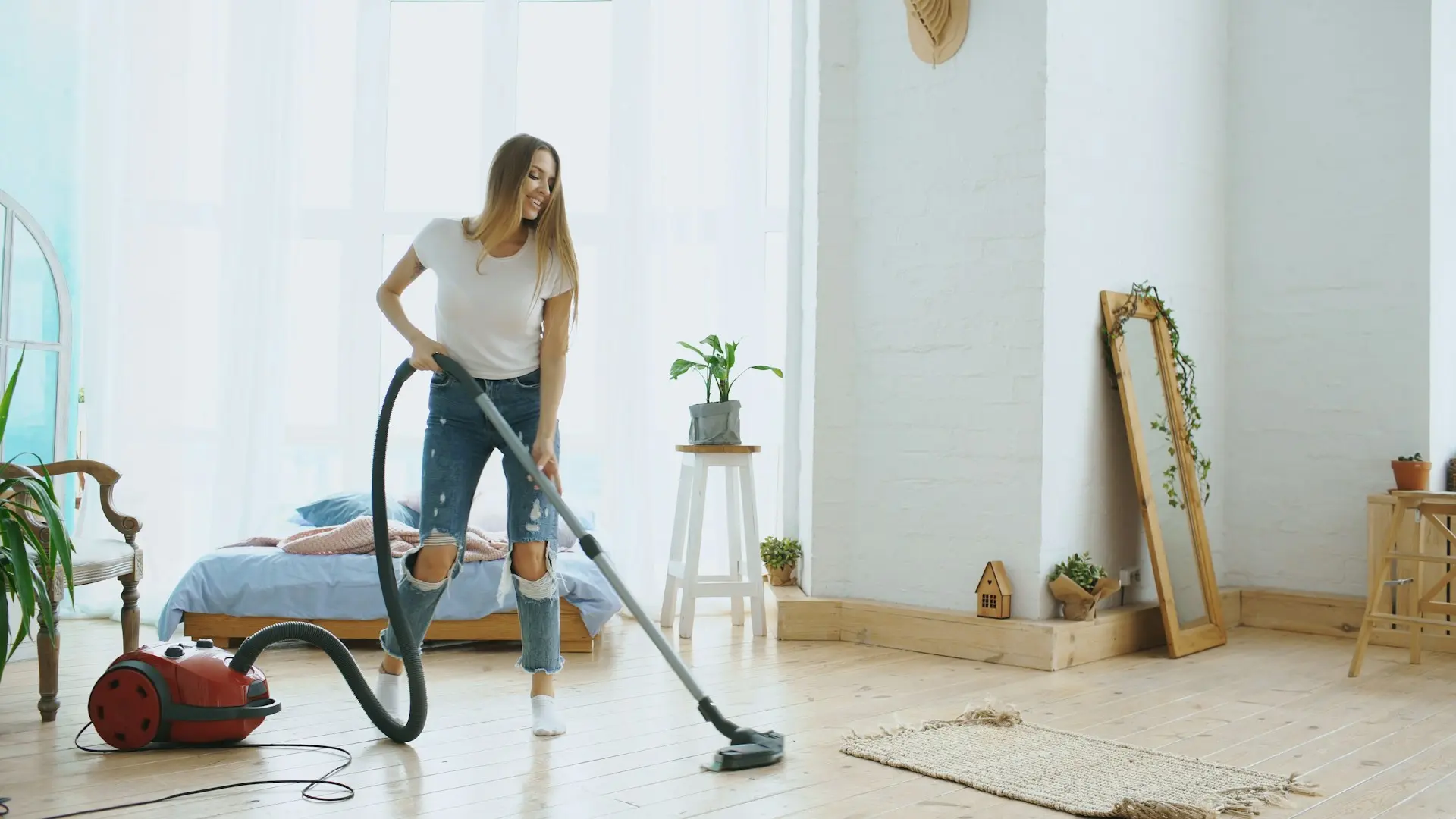
Clean without an audience.
Let clients watch from their own phone. You get the house to yourself.